
The Woojer app can only retain a single Woojer at a time, and in order to add a new Woojer you'll have to remove the other one from the app.
To associate a new Woojer with the application, please follow these steps:
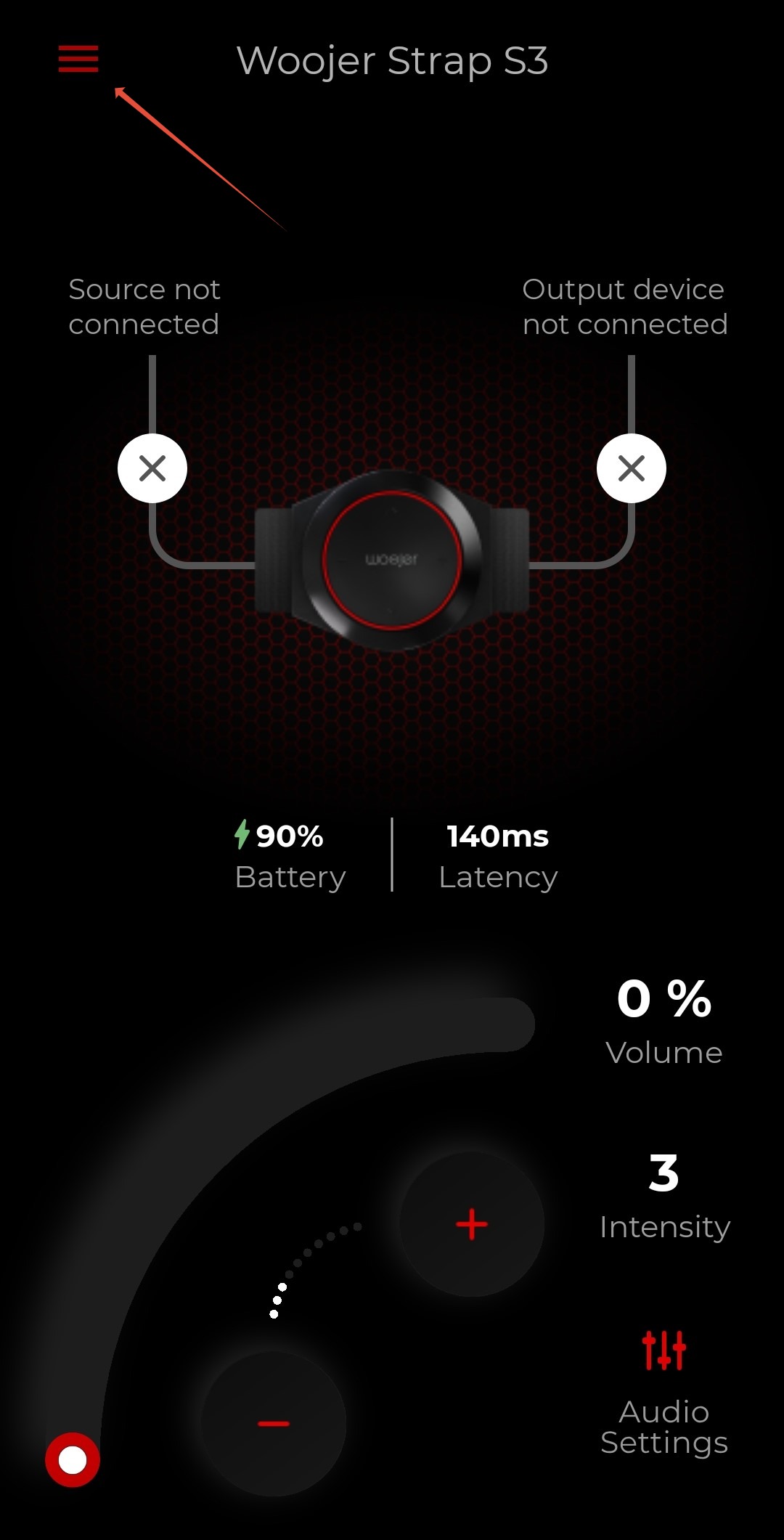
- From the app home screen, press on the burger menu on the top left to access the application settings.
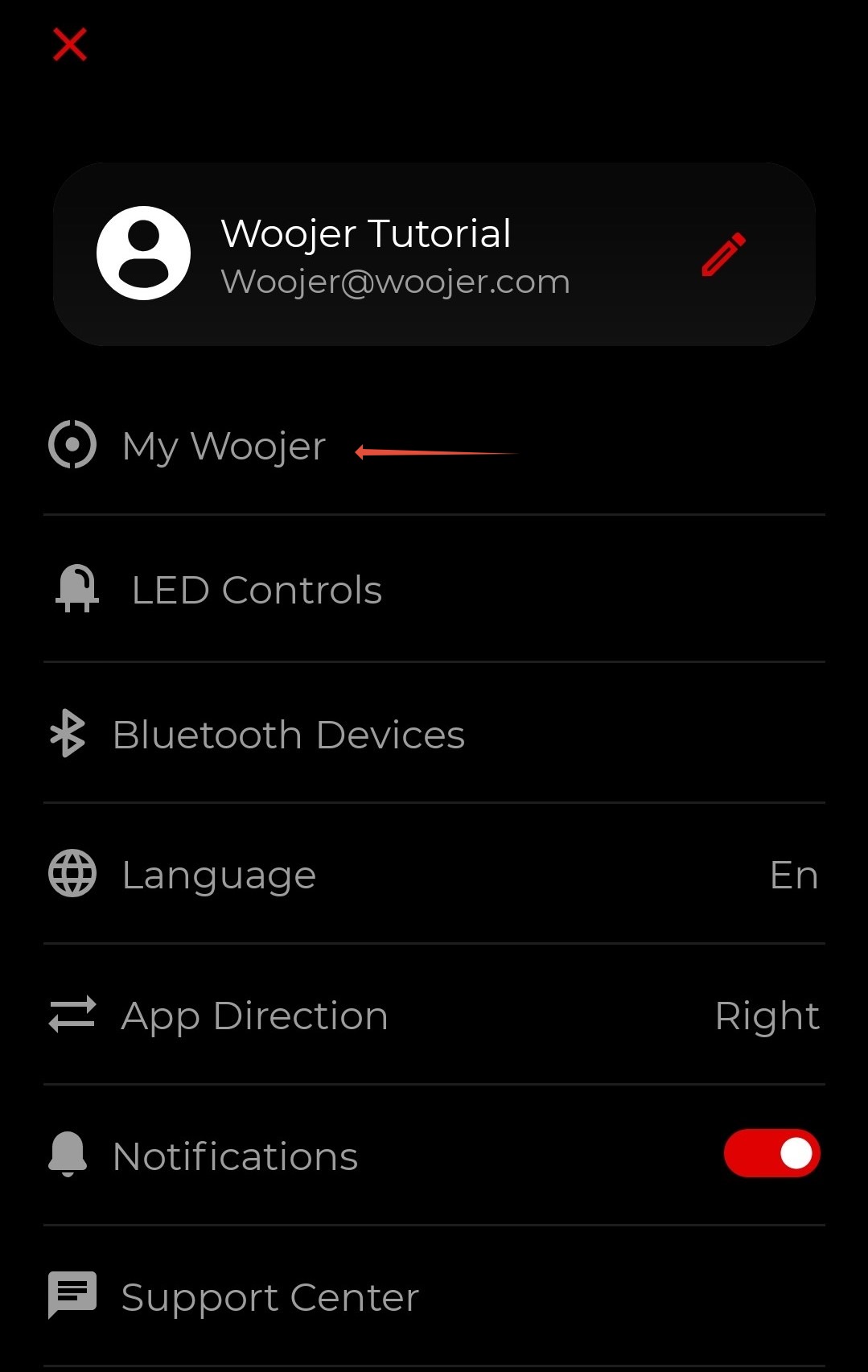
- In the settings screen, select the "My Woojer" option.
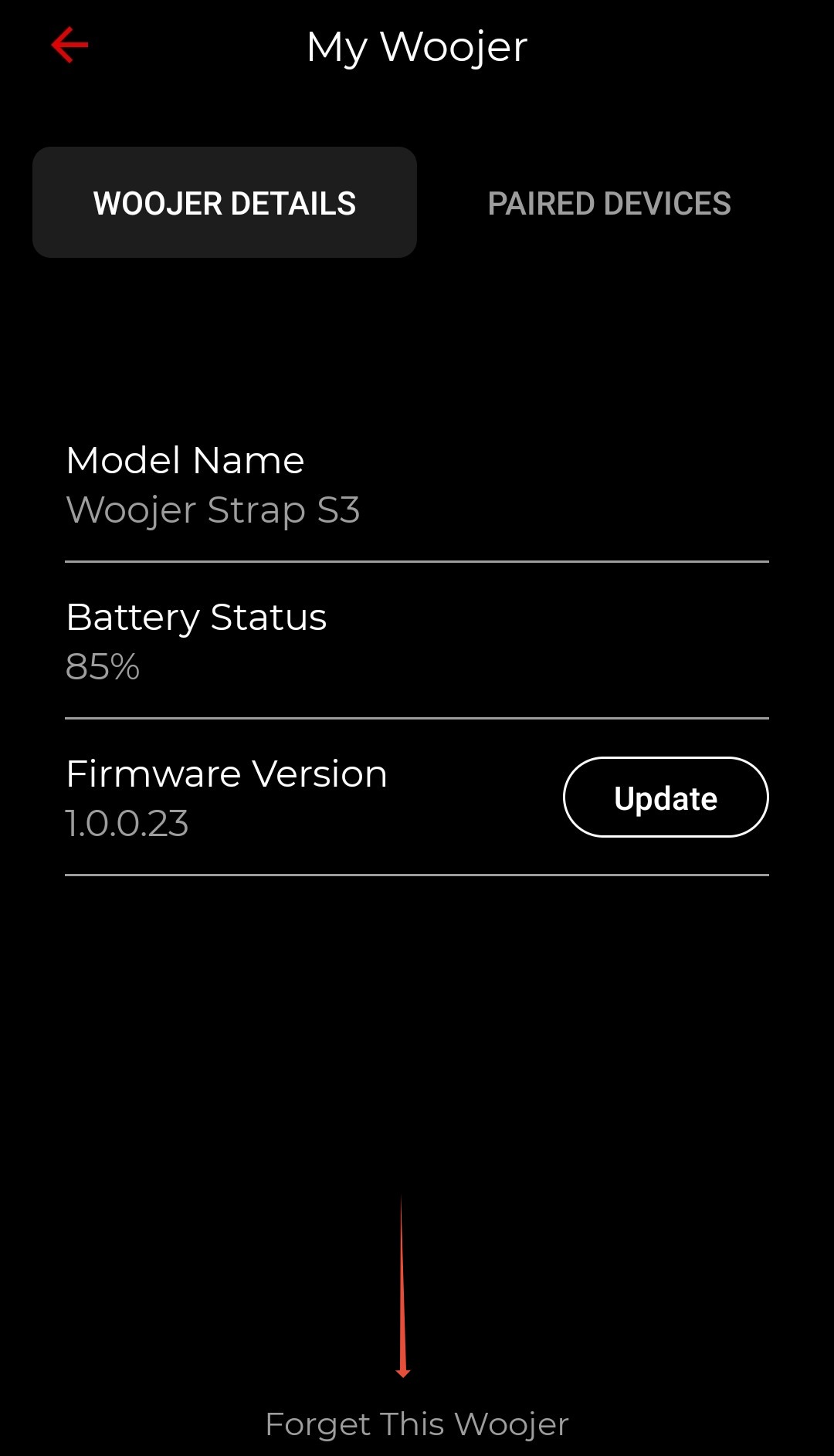
- Under the "Woojer Details" pane you'll be able to see a "Forget this Woojer" button. Please click it to remove the currently associated Woojer from the app.
- After doing so you will be prompted to associate your new Woojer. You can follow the steps from the following articleto learn how to associate the Woojer with the application.